There’s a content format shift happening that most marketers haven’t fully caught up with yet. Articles and blog posts still matter for SEO, but video is what drives shares, watch time, and the kind of engagement that actually builds an audience. The gap between those two realities — you have written content, but your audience wants video — is exactly where URL-to-video tools have carved out a genuinely useful niche.
What URL-to-Video Tools Actually Do
The premise is straightforward: you paste a link to any web page — a blog post, a news article, a product page, a landing page — and the tool analyzes the content and generates a video from it. AI extracts the key points, selects or generates relevant visuals, adds text overlays, and produces a finished clip ready to publish.
This isn’t a gimmick for lazy content teams. It’s a legitimate workflow accelerator for anyone who is producing written content at scale and wants to extend the reach of that content without hiring a video production team. The URL to Video tool on Pollo AI is one of the cleaner implementations of this concept. You feed it a link, and Pollo AI’s engine handles the extraction and video assembly — including pacing, transitions, and voiceover options — producing something you can publish directly or refine further.
The value is clearest for content marketers repurposing blog libraries, social media managers turning articles into reels, and small business owners who have a website but not a video strategy.
Which Types of Content Convert Best to Video
Not every URL produces an equally good video, and understanding which content types work best helps you prioritize your repurposing efforts.
List-based articles convert exceptionally well. The structure is already video-friendly — each point becomes a slide or segment, and the natural pacing of “here are five things” maps well onto short-form video. If your blog has any listicles or how-to content, start there.
Product pages are another strong candidate. A video summary of a product page can be used as a social ad, an email embed, or a YouTube pre-roll — all from a single URL input. The conversion between “features described in text” and “features shown in video” is high-value for e-commerce and SaaS brands.
News and trend articles have a limited window, but during that window they can generate significant reach when turned into short explainer videos. The key is speed — the URL-to-video workflow’s speed advantage is most valuable here.
Long-form educational content often benefits from video summarization even for existing readers. A 3,000-word guide can produce a 90-second video that serves as a useful preview for new audiences and a shareable highlight reel for people who already read it.
Pairing Video Content with Strong Visual Branding
Generating a video from a URL gets you most of the way to a publishable asset. What takes it from “functional” to “on-brand” is the visual layer — consistent colors, clean backgrounds, and imagery that matches your brand identity rather than looking like generic stock.
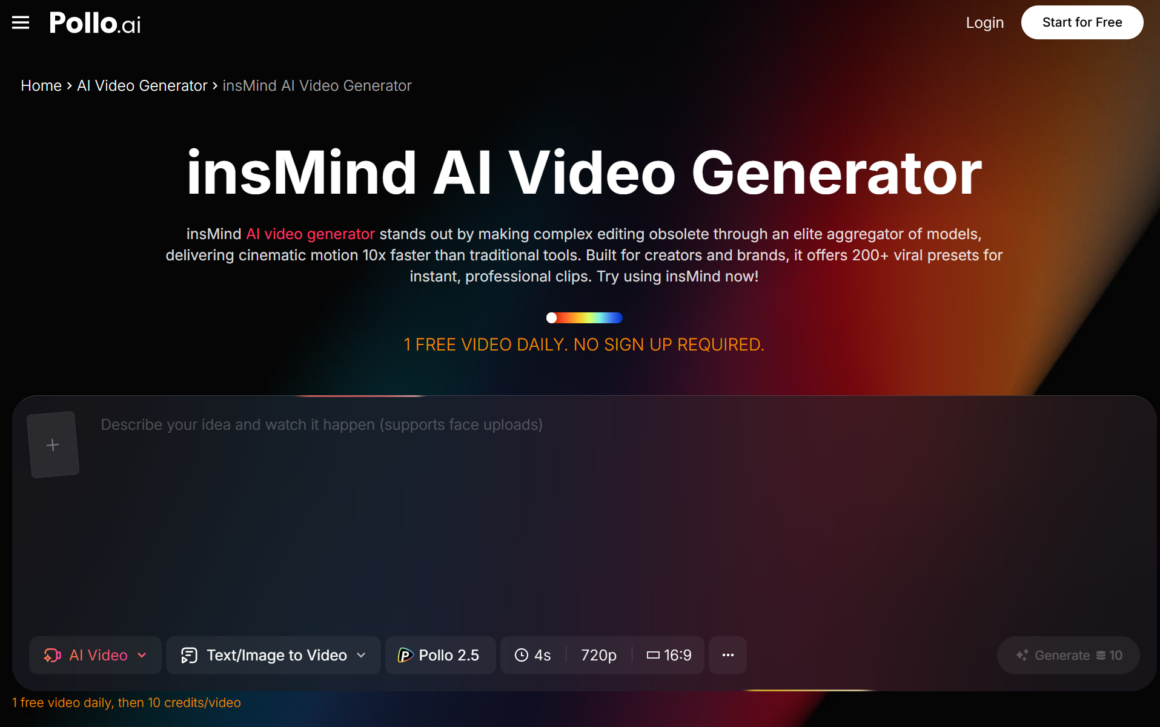
InsMind, available through Pollo AI, handles the background and image composition side of this. If you’re pulling a thumbnail frame from your generated video and want to place a subject against a clean, branded background — or generate a custom image asset to use within the video itself — InsMind’s AI background tools make that straightforward. Pollo AI offering both tools in the same ecosystem reduces the friction of bouncing between platforms for different steps in the same workflow.
Brands that build a consistent visual language across their video content see compounding returns: each new video reinforces the same aesthetic, which means recognition builds over time rather than starting from scratch.
Optimizing Your Repurposed Videos for Each Platform
A single source URL can produce assets for multiple platforms — but those assets shouldn’t be identical. Each platform has different format preferences, optimal video lengths, and audience behavior patterns.
For Instagram Reels and TikTok, vertical format (9:16) and under 60 seconds performs best. Lead with the strongest point from your article — not the introduction, which is often the weakest part of written content for video.
For LinkedIn, slightly longer videos (up to 2–3 minutes) with subtitles tend to outperform short clips, because the platform’s professional audience is more likely to watch with sound off in a work environment. Pull the most insight-dense section of your article for LinkedIn repurposing.
For YouTube Shorts, treat the video as a standalone unit — it should make complete sense without any surrounding context. Don’t reference “the full article” or assume the viewer knows who you are. Open with the payoff, not the setup.
Twitter/X performs best with videos in the 30–45 second range that either make a bold claim or show something surprising in the first two seconds.
Building a Sustainable Content Repurposing System
The real leverage from URL-to-video tools isn’t in doing it once — it’s in building a repeatable process that runs alongside your content calendar. Every time you publish a blog post, a case study, a research piece, or a product update, there should be a corresponding video repurposing step built into your workflow.
This doesn’t require a large team. With Pollo AI handling the video generation from your URL and tools like InsMind managing the visual branding layer, a single content person can maintain a genuine multi-platform video presence without the production overhead that would normally require a dedicated hire.
The content you’ve already created is your starting point. A year’s worth of blog posts is also a year’s worth of video content waiting to be unlocked — and the tools to do it efficiently have never been more accessible.
About Author