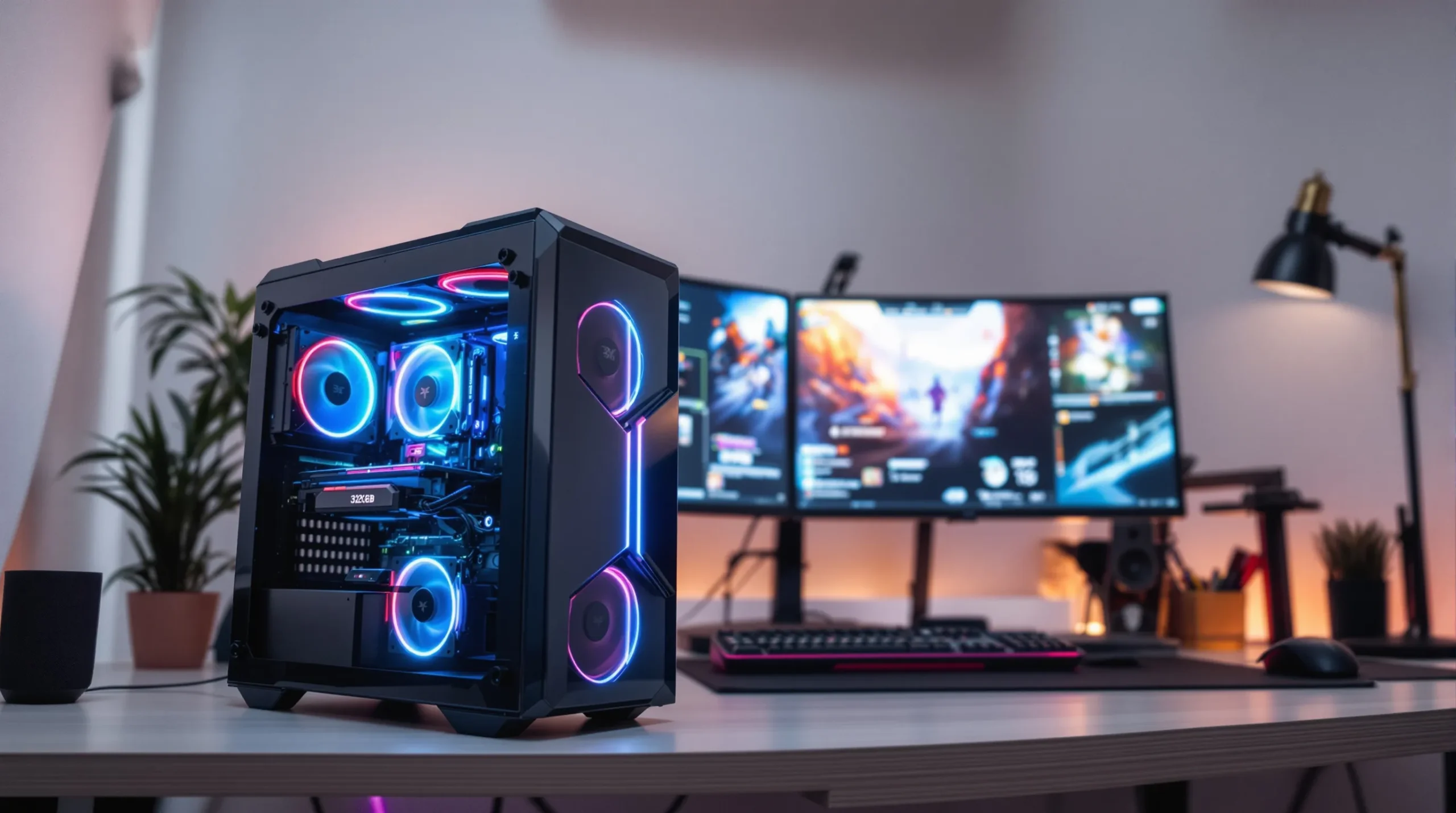
Picture this: You’re deep in a late-night gaming session, your squad’s counting on you, and your 32GB RAM gaming PC is running buttery smooth. No lag, no stutter, just pure, unfiltered power. If you’ve ever watched your game freeze mid-boss fight or your video render crawl at a snail’s pace, you know the pain. But here’s the part nobody tells you—32GB RAM isn’t just a flex. It’s a game-changer for both gamers and creators who want zero compromise.
Why 32GB RAM Gaming PCs Are Taking Over
Let’s break it down. For years, 16GB RAM was the sweet spot. But games and creative apps keep getting bigger, hungrier, and more demanding. If you’re running a 32GB RAM gaming PC, you’re not just keeping up—you’re ahead of the curve. You can run your game, Discord, Chrome with 20 tabs, and OBS for streaming, all at once. No sweat.
Here’s why: Modern games like Cyberpunk 2077 or Microsoft Flight Simulator can eat up 12GB or more, especially at high settings. Add mods, background apps, and streaming, and 16GB starts to feel tight. With 32GB, you get breathing room. Your system won’t choke when you alt-tab or multitask. It’s like swapping a crowded subway for a first-class seat.
Who Actually Needs a 32GB RAM Gaming PC?
If you’re a casual gamer who sticks to indie titles or older games, 32GB RAM might be overkill. But if you:
- Play AAA games at ultra settings
- Stream or record gameplay
- Run mods or custom content
- Edit videos, 3D models, or music
- Keep a dozen apps open while gaming
—then a 32GB RAM gaming PC isn’t just nice to have. It’s your secret weapon. Creators, especially, will notice the difference. Video editors can scrub through 4K footage without stutter. 3D artists can render scenes while keeping reference images and browsers open. If you’ve ever lost work because your system crashed, you know how much that peace of mind is worth.
Real-World Performance: What Changes With 32GB RAM?
Let’s get specific. I upgraded from 16GB to 32GB RAM last year. Before, I’d get micro-stutters in Warzone when streaming and running Spotify. After the upgrade? Smooth as silk. My friend, a video editor, saw render times drop by 20% in Adobe Premiere Pro. No more “out of memory” errors. If you’re running virtual machines or heavy multitasking, you’ll see even bigger gains.
Here’s the kicker: Windows and background processes can eat 4-8GB by themselves. That leaves less for your games and creative apps. With a 32GB RAM gaming PC, you never have to close apps just to free up memory. You can keep your workflow flowing, your music playing, and your browser open to that 12-tab Reddit rabbit hole.
Specs That Matter: What to Look for in a 32GB RAM Gaming PC
Not all RAM is created equal. Here’s what you should check before you buy:
- Speed: Look for DDR4 or DDR5 RAM with high MHz (3200+ for DDR4, 4800+ for DDR5). Faster RAM means snappier performance, especially in games that love memory bandwidth.
- Dual Channel: Always use two or four sticks for dual or quad channel. Single stick setups bottleneck your system.
- Latency: Lower CAS latency is better. It’s a small detail, but every millisecond counts.
- Compatibility: Make sure your motherboard supports 32GB (most modern boards do, but double-check).
Pro tip: If you’re building your own 32GB RAM gaming PC, buy your RAM as a matched kit. Mixing brands or speeds can cause headaches. Trust me, I learned that the hard way—random crashes, weird errors, and hours lost troubleshooting.
Gaming Benchmarks: Does 32GB RAM Really Boost FPS?
Here’s the truth: For most games, 32GB RAM won’t double your FPS. But it does keep your minimum frame rates higher and your experience smoother, especially in open-world games or when multitasking. In Microsoft Flight Simulator, for example, 32GB RAM can cut stutters by half compared to 16GB. In Battlefield 2042, you’ll see fewer dips when chaos erupts on screen.
If you’re streaming, recording, or running background apps, the difference is night and day. No more dropped frames or audio glitches. Your 32GB RAM gaming PC handles it all without breaking a sweat.
Creators: 32GB RAM Is Your Best Friend
If you edit video, produce music, or work with 3D models, you know how fast memory fills up. Adobe Premiere, After Effects, Blender, and DaVinci Resolve all love RAM. With 32GB, you can work on complex projects, preview in real time, and keep reference files open. No more waiting for your system to catch up.
Here’s a quick story: My first 4K video project on 16GB RAM was a nightmare. Playback lagged, exports failed, and I lost hours to crashes. Upgrading to a 32GB RAM gaming PC turned that pain into pure productivity. If you’re serious about creating, don’t settle for less.
Is 32GB RAM Future-Proof?
Let’s be honest—no PC is truly future-proof. But a 32GB RAM gaming PC gives you a solid buffer for the next few years. As games and creative apps get bigger, you’ll be ready. You won’t need to upgrade every time a new title drops or a software update rolls out.
If you’re building or buying a new system, 32GB RAM is a smart investment. It’s not just about today’s games—it’s about tomorrow’s possibilities. You’ll thank yourself when you’re still running smooth while others scramble for upgrades.
Should You Upgrade to a 32GB RAM Gaming PC?
If you’re on the fence, ask yourself:
- Do you play the latest AAA games?
- Do you stream, record, or edit content?
- Do you multitask with lots of apps open?
- Do you want a system that stays fast for years?
If you answered yes to any of these, a 32GB RAM gaming PC is for you. If not, you can save your money for a better GPU or SSD. But if you’ve ever cursed at a frozen screen or lost work to a crash, you know the value of extra memory.
Next Steps: Building or Buying Your 32GB RAM Gaming PC
Ready to make the leap? Here’s what to do:
- Check your motherboard for RAM compatibility and slots.
- Pick a reputable RAM brand—Corsair, G.Skill, Kingston, Crucial.
- Choose the right speed and latency for your CPU and motherboard.
- Install in dual or quad channel for best performance.
- Test your system with games and creative apps to feel the difference.
Don’t forget to brag a little. You’ve joined the 32GB RAM gaming PC club. Your games, streams, and creative projects will thank you. And when your friends ask why your system never lags, you’ll know the secret.
About Author